

Table of Contents
If you’ve ever logged in to play Fortnite only to be met with that dreadful ban message, you’re not alone. Getting banned is frustrating, especially when you feel it’s unwarranted or a simple mistake. But fear not! In this guide, I’ll take you through every detail of how to get unbanned from Fortnite – whether it’s a hardware ban or an account ban – and how to avoid it happening again. Ready to get back in the game? Let’s dive in.
Why Does Epic Games Ban Players?
Before we get into how to lift your ban, it helps to understand why Epic Games bans players in the first place. Fortnite, like most online games, has strict community guidelines to ensure fair play. The main reasons for bans include:
- Cheating: Using third-party software like auto-aim, ESP, or skin-swappers.
- Toxicity: Racism, harassment, threats, or excessive spamming.
- Account Sharing or Boosting: Allowing others to play on your account or logging in to someone else’s for in-game gains.
- Buying V-Bucks from Unofficial Sources: Attempting to save a few bucks can end up costing your whole account.
- Exploiting Bugs or Glitches: Taking advantage of game bugs to gain an unfair edge.
Fortnite has a zero-tolerance policy on these actions, which means a ban can come without much warning.
Types of Fortnite Bans: Account vs. HWID
Similarly to Apex Legends ban, there are two main types of bans in Fortnite – Account Bans and HWID (Hardware ID) Bans. Here’s the difference:
- Account Ban: This means only your specific Fortnite account is banned. You won’t be able to log in with that particular account, but you could technically create a new one.
- HWID Ban: This ban targets your hardware. If your computer is HWID banned, any new account you make will also be blocked. It’s Fortnite’s way of stopping cheaters from simply making a new account and jumping back in.
Understanding the type of ban you’re facing is crucial because the path to unbanning differs for each.
Dealing with a Banned Account?
We’re here to provide you with our ban appeal services and guide you through the account recovery process!
Getting Unbanned from Fortnite
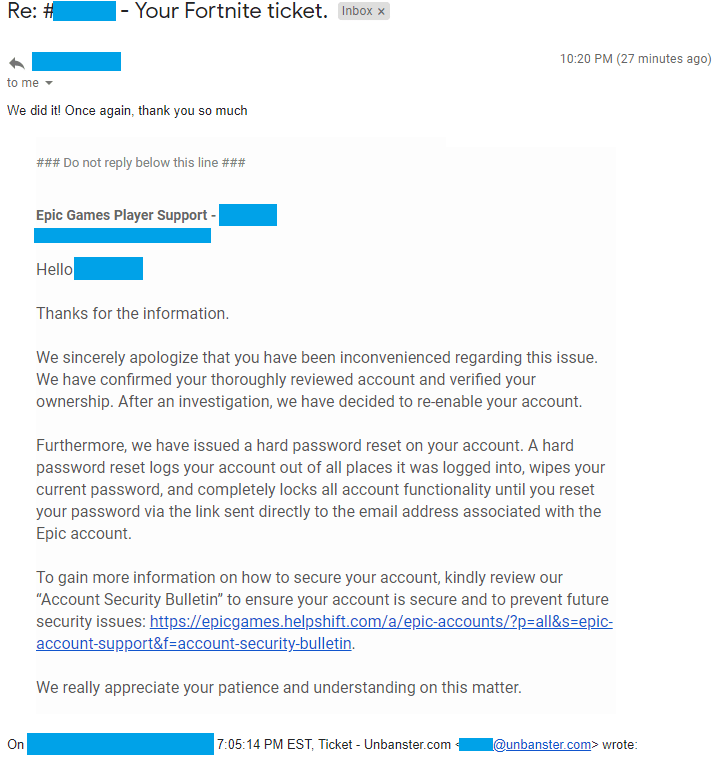
So, you’re banned. Now what? The only reliable way to get unbanned is by submitting a ban appeal directly to Epic Games. Here’s how to do it:
Step-by-Step: Submitting a Fortnite Ban Appeal
- Visit the Fortnite Support Center: You can find it by clicking on this link.
- Scroll to “Contact Us”: At the bottom of the page, you’ll find a “Contact Us” button. Click it.
- Log in to Your Account: Use your banned account’s details. If you can’t log in, select the “I can’t login” option.
- Fill Out the Appeal Form: You’ll need to enter details like your display name, email, and platform.
- Write a Ban Appeal Message: In the “Describe your problem here” field, explain why you think the ban was a mistake. Keep it polite and respectful – being rude or making threats will make your situation worse.
- Submit the Form: Once everything is filled out, hit “Submit.”
How to Know If You’re HWID Banned
If you’re suddenly getting kicked from matches or receiving error messages that seem out of place, you might be dealing with an HWID ban. A common symptom is getting unexpectedly kicked out of the game just before the match begins. It’s not a bug – it’s Fortnite’s servers telling you that you’re not welcome due to a hardware restriction.
Dealing with a Banned Account?
We’re here to provide you with our ban appeal services and guide you through the account recovery process!
What Can You Do If You’re HWID Banned?
Unfortunately, HWID bans are much harder to overcome compared to a regular account ban. You have two primary options:
- Submit an Appeal: Similar to an account ban, your best shot is an appeal to Epic Games. Be transparent, and explain if there may have been a misunderstanding.
- Replace Your Hardware: If an appeal fails, some players resort to getting new hardware. However, this option is costly and doesn’t guarantee success.
Can You Bypass a Fortnite Ban?
Let’s cut to the chase – bypassing a Fortnite ban isn’t reliable or recommended. While some players turn to methods like HWID spoofers or VPNs, they often end up getting banned again. Here’s why:
- HWID Spoofers: These are tools that mask your hardware ID, but Epic Games is pretty good at detecting them. Using spoofers can result in your new accounts being banned.
- VPNs: VPNs can help change your IP, but they don’t impact your ban status. If you’re HWID banned, changing your IP won’t make a difference, and playing behind a VPN can lead to further restrictions.
The bottom line? Your best bet is always an appeal, and avoiding risky behaviors that led to the ban in the first place.
How to Avoid Getting Banned Again
Getting unbanned is one thing, but staying unbanned is another. Here are some solid tips to ensure you don’t find yourself in this situation again:
- Avoid Cheating: This one should be obvious. If it feels like an unfair advantage, it probably is, and Fortnite has little tolerance for cheaters.
- Don’t Use VPNs: While VPNs are great for online privacy, Epic Games often flags accounts that play behind one, especially if the IP location changes drastically.
- Respect Other Players: Keep things civil. Trash talk is one thing, but personal attacks, racism, and harassment are grounds for an instant ban.
- Don’t Share Your Account: Whether you’re trying to boost your rank or just having a friend play for you, account sharing is against the rules and often leads to permanent bans.