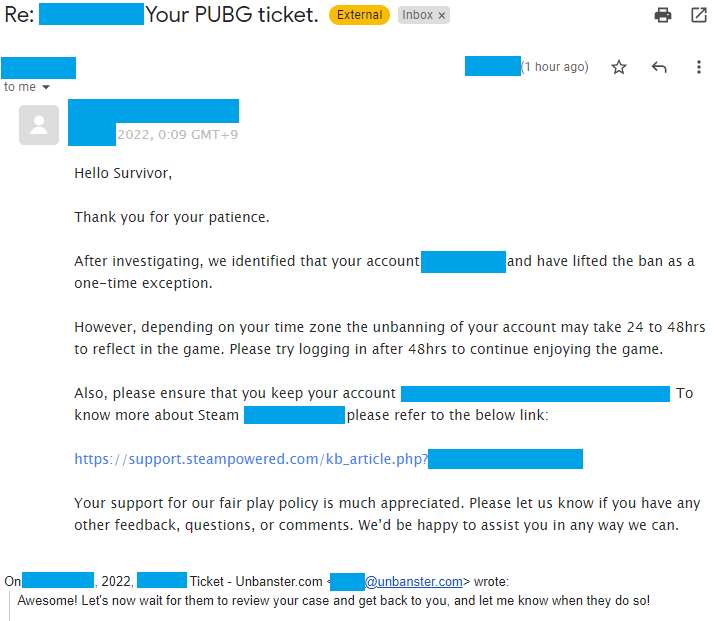
Got banned from PUBG or PUBG Mobile and want to get back in the game? Whether it was an unfair ban or a mistake you made, don’t worry – we’ve got you covered. In this guide, we’ll walk you through every possible way to appeal your PUBG ban and boost your chances of getting your account back.
From understanding why you got banned, to appealing in the most effective way, and even covering the mobile version of the game, this guide will help you every step of the way. Let’s get to it!
Dealing with a Banned Account?
We’re here to provide you with our ban appeal services and guide you through the account recovery process!
Common Reasons for Getting Banned in PUBG
If you’ve been banned from PUBG, it helps to know why it happened so you can prevent it from happening again. Here are some of the most common reasons players find themselves restricted:
1. Cheating or Using Unauthorized Software
Cheating is the most common reason for PUBG bans. This includes using third-party software, like radar hacks, auto-aim, or anything that provides an unfair advantage. PUBG takes cheating very seriously and typically hands out permanent bans for any suspicious software.
2. Toxicity and Offensive Behavior
In-game behavior matters. If you’ve been toxic – whether it means making racist comments, using hate speech, or harassing other players – you could face a ban. Offensive nicknames also fall under this category. Stay respectful, and you’ll avoid this kind of trouble.
3. Griefing or Teaming
Griefing means intentionally making the game worse for other players – like team-killing or stalking other players. Teaming, particularly in solo modes, where you cooperate with an enemy player, is also not allowed and could result in an account ban.
4. Unauthorized Account Sharing
Sharing your account or playing on someone else’s is risky in PUBG. It violates the rules, especially if suspicious activity is detected, like a sudden IP change from across the globe.
Can You Get Unbanned from PUBG?
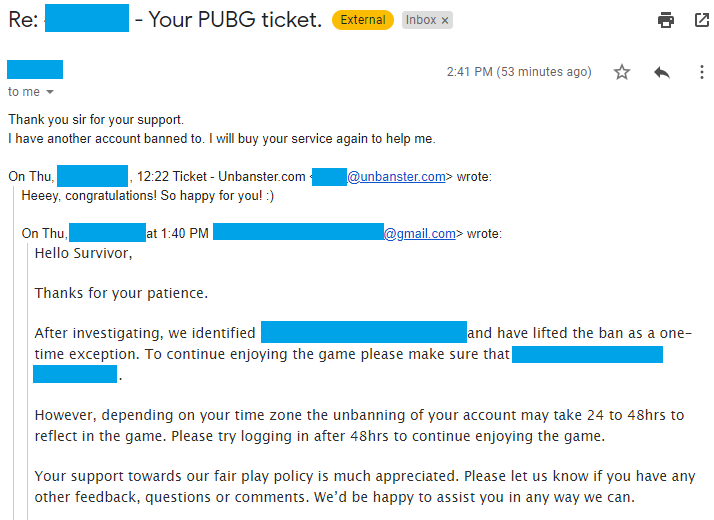
Yes, it’s definitely possible to get your account unbanned, but it depends on a few factors, like your ban’s nature, your account’s history, and your approach to appealing. Let’s see what you need to consider:
- Your Attitude Matters: Be polite in your appeal. Aggressiveness will get you nowhere and might permanently shut down your chances.
- Nature of the Ban: For extreme offenses, like racism or hate speech, getting unbanned is almost impossible. But for cheating, griefing, or false positives, there’s hope.
- Account History: If this is your first offense, you have a higher chance of success. Repeat offenders usually face greater challenges.
- Evidence and Reason: Was your account compromised? Provide evidence! The more thorough and specific you are, the better.
Dealing with a Banned Account?
We’re here to provide you with our ban appeal services and guide you through the account recovery process!
How to Appeal a PUBG Ban: Step by Step
There are three different types of ban appeals for PUBG, depending on how you were banned. Let’s look at each one in detail:
1. PUBG Developer Ban Appeal (PUBG’s Website)
This is the most common type of ban. Here’s how you can appeal it:
- Visit PUBG’s Official Support Website: Click here to start.
- Select Your Issue: Choose “Ban” as the type of issue you’re dealing with.
- Fill Out the Form: Input your email, Steam ID (you can find it on Steam under Account Details), and your in-game nickname.
- Write Your Appeal: Be honest, polite, and provide as many relevant details as possible.
- Submit and Wait: PUBG will notify you via email once they review your case.
2. BattlEye Ban Appeal (Anti-Cheat Ban)
BattlEye is PUBG’s anti-cheat system, and if it detects anything suspicious, you might get a BattlEye ban.
- Contact BattlEye Support: You can either email them at [email protected] or fill out the contact form on their website.
- Provide Details: Make sure to explain your situation clearly and include any proof if your account was wrongly flagged.
3. VAC Ban Appeal (Steam Ban)
VAC bans are issued by Steam, and they’re pretty rare in PUBG althoughstill possible.
- Log into Steam and click on your account name at the top right.
- Access Purchase History: Locate PUBG and use the contact options available to inquire about your ban and request support.
How to Get Unbanned from PUBG Mobile
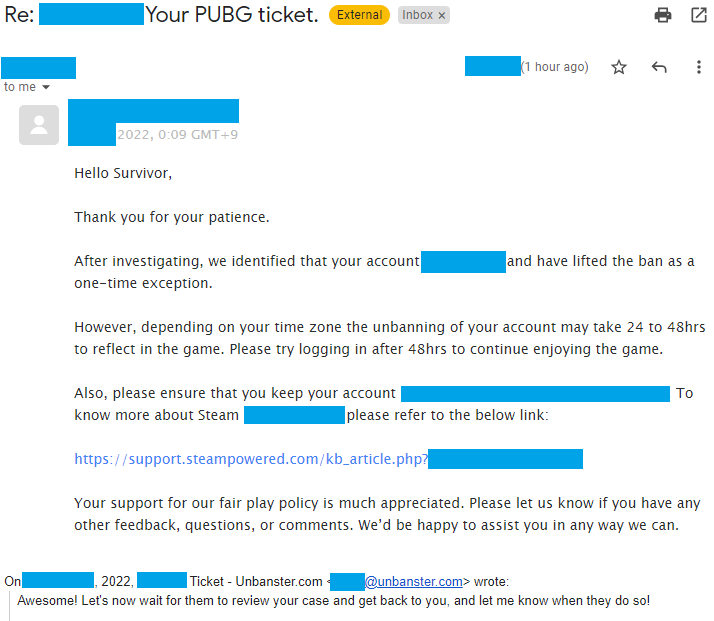
If you play PUBG on your mobile device and you’ve found yourself banned, there’s still hope! There are two methods to appeal:
1. In-Game Ban Appeal
- Open PUBG Mobile and tap on the cogwheel at the bottom-right to access Settings.
- Select Customer Service: Tap on the button to contact customer support.
- Send Your Appeal: Explain your issue clearly. Provide details and let them know why you think your ban was a mistake.
2. Email or Website Support
- Email: Send an email to [email protected] with a clear explanation.
- Website: Visit the official PUBG Mobile support website and complete the contact form by selecting “Account Management” and providing the necessary details.
Tips for Avoiding a Ban in the Future
Appealing a ban is one thing, but staying unbanned is another. Here are some tips to make sure you don’t face a ban again:
- Avoid Third-Party Software: Don’t use cheats, macros, or anything that gives you an unfair advantage.
- Be Respectful: Stay away from toxic language and behavior. This includes in-game chat and your nickname.
- Play Fair: Don’t team up in solo matches or engage in griefing behavior like team-killing.
- Stick to One Location and Device: Changing IPs or playing from a new device often can trigger security flags.